Why LC. Markets MT5 is so good
Features of LC. Markets MT5
 Over 100 financial products including FX, CFDs and futures
- Access 5 platforms with one login
- Spread with a minimum of 0 pips
- Full EA (Expert Advisor) functionality
- Built-in one-click trading and news function
- Technical analysis tool with 50 indicators and chart tools
- 3 chart types
- VPS function
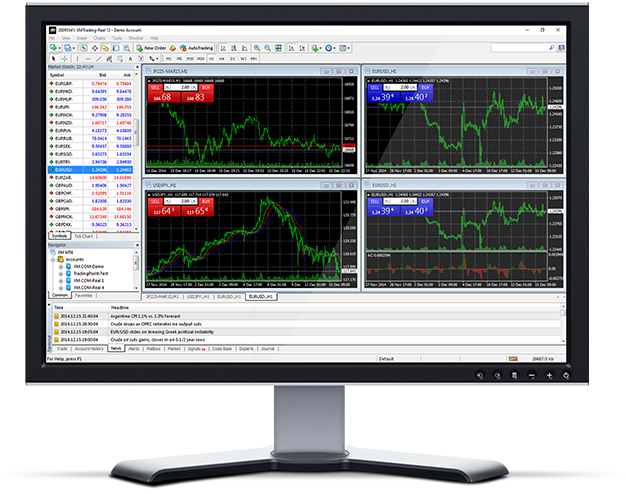
Faster and better LC. Markets MT5
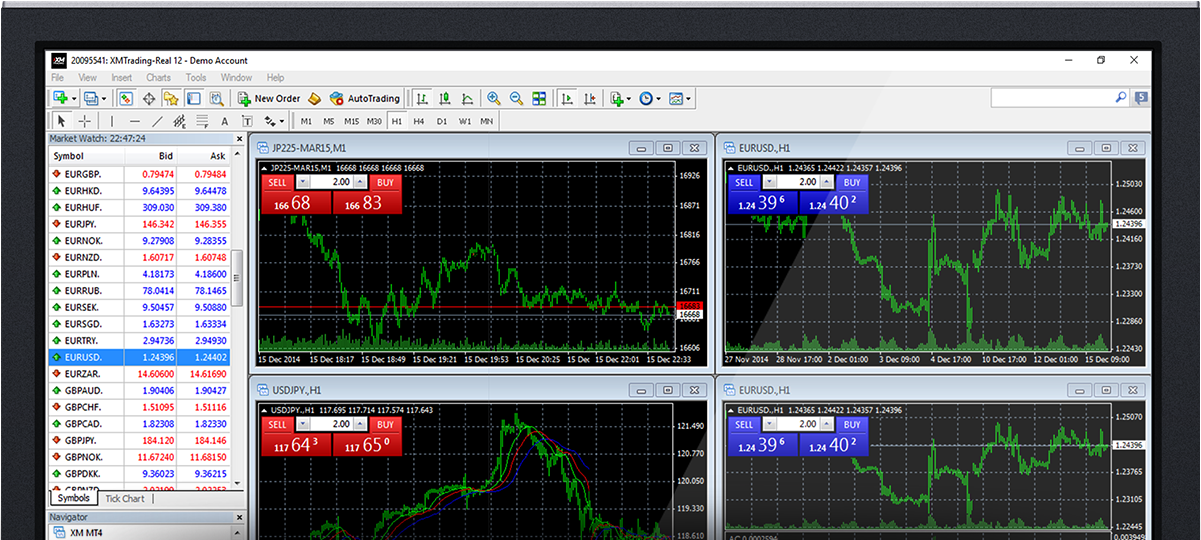
How to install LC. Markets MT5
- Click here to download the terminal. (.exe file)
- After the download is complete, run the LC. Markets.exe file.
- The login screen is displayed when the program starts for the first time.
- Enter the login data for your real or demo account.
Get access to the world's financial markets!
Main features of LC. Markets MT5
- Supports expert advisors, built-in and customer-specific indicators
- One-click trading
- Streaming news
- Complete technical analysis with over 50 indicators and chart tools
- Supports large orders
- Create various customer-specific indicators on different timelines
- History database management and history data export / import
- Guarantee full data backup and security
- Internal mail sending system
- Built-in help guide for MetaTrader 4 and Metaquotes Language 4
LC. Markets MT5 system requirements
- Operating system: Microsoft Windows 7 SP1 or higher
- Processor: Intel Celeron-based CPU over 1.7 GHz
- RAM: 256 Mb or more RAM
- Memory: 50 Mb of empty drive space
How to uninstall LC. Markets PC MT5
- Step 1:Click Start → All Programs → LC. Markets MT5 → Uninstall
- Step 2:Follow the on-screen instructions until the uninstall process is complete
- Step 3:Click My Computer → Click the C drive or the root drive where the operating system is installed → Click Program Files → Find and delete the LC. Markets MT5 folder Masu
- Step 4:Restart your computer
Also supports the following
-

Windows compatible MT5
-

IPad compatible MT5
-

IPhone compatible MT5
-

Android compatible MT5
-

Android tablet compatible MT5